|
Some animation clips will contain animated prop locators.
Props can be attached to prop locators so they are animated along with your character.
The Characters tab of
the Browser panel is where you can add prop tracks in your scene to attach to prop to animated locators.
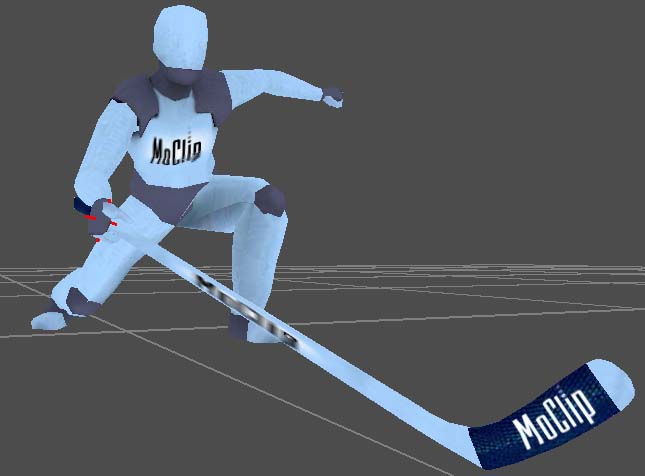
An animation with a prop attached
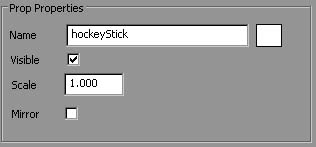
Double-click a prop track to see its properties in the Properties tab.
Adding an attachment clip
In order to attach a prop to a clip with a locator, you need to right-click into
a prop track, and select from the context menu. The attachment clip will show up red
since it is not attached to anything just yet.
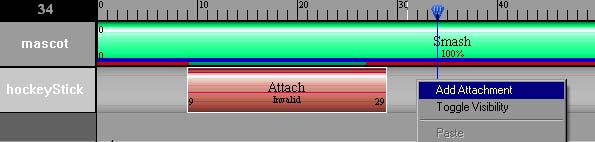
Adding an attachment clip
Learn more about attaching a prop to a clip in the next section Prop Attachments.
|
